





















How I Built My Portfolio
From blank canvas to a living website: my journey building a digital portfolio that truly represents me as a developer and designer.
Read moreWhy build a portfolio? I wanted a space that not only showcased my skills and projects, but also reflected my personality and growth as a developer. A portfolio is more than a resume it's your digital handshake with the world.
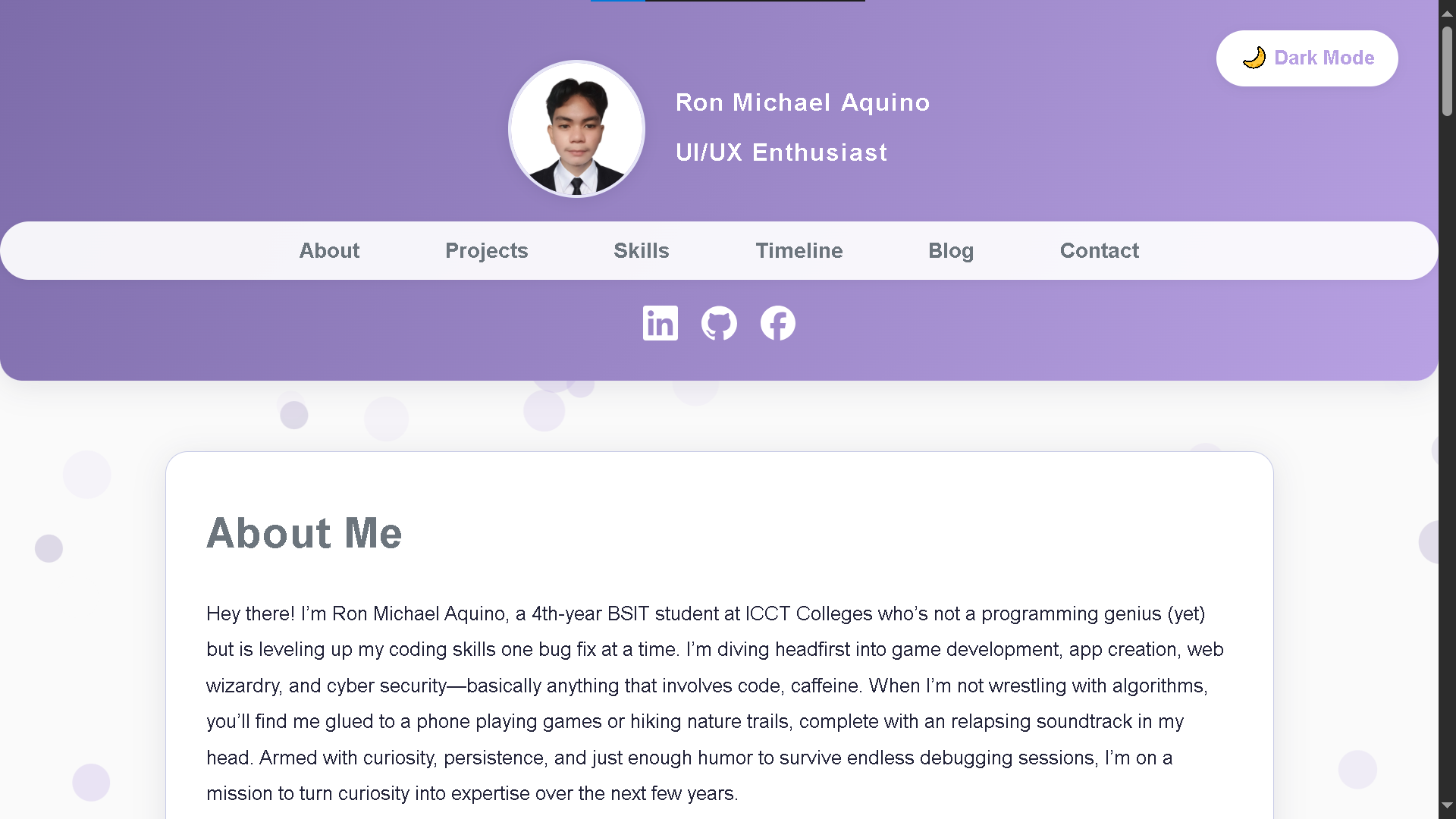
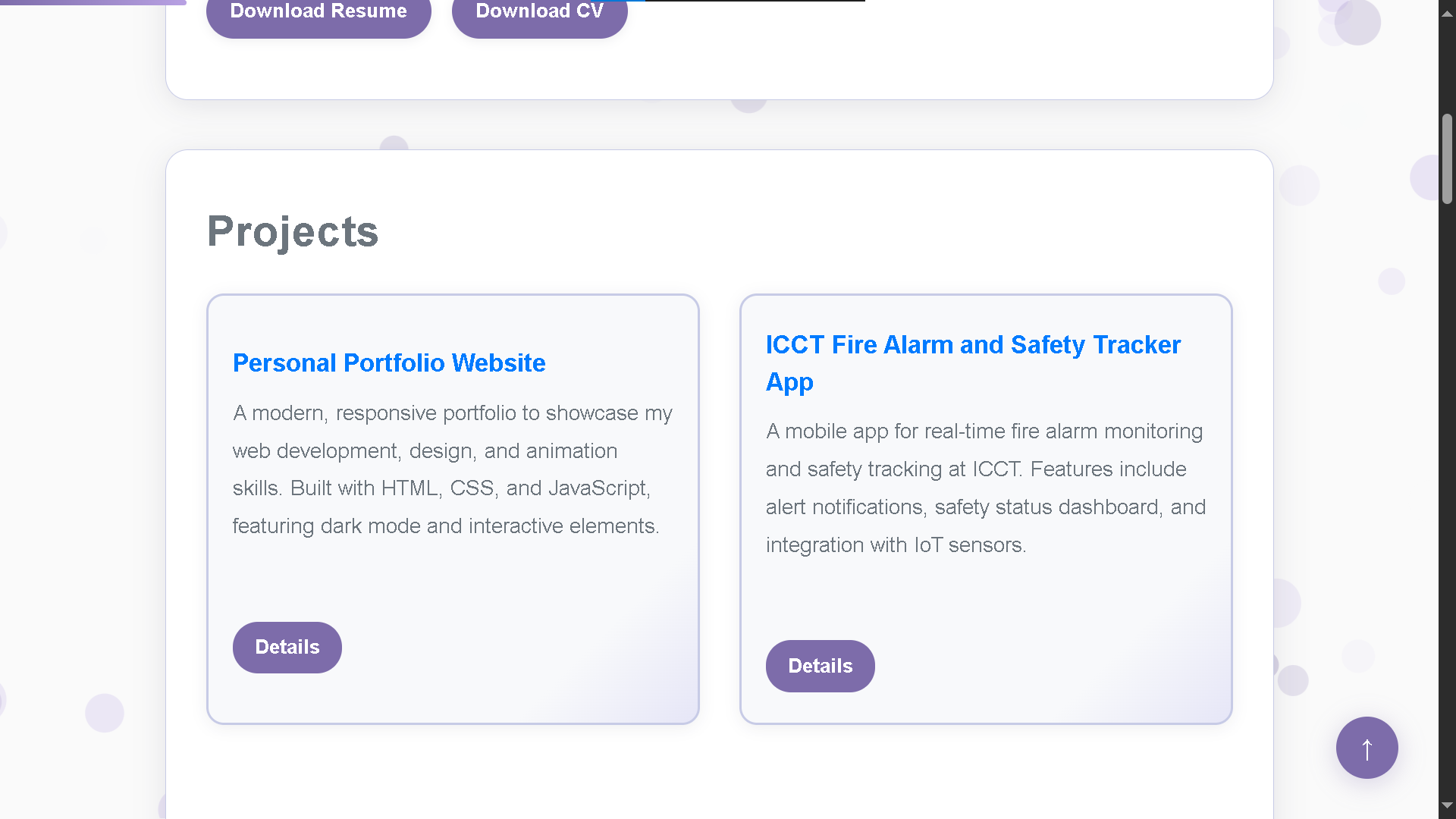
Design & Planning: I started in Figma, sketching layouts and experimenting with color palettes. My goal was a clean, modern look with a touch of personality. I prioritized accessibility, mobile responsiveness, and easy navigation. Inspiration came from top portfolios, but I made sure to add my own twist like animated backgrounds and a unique header.
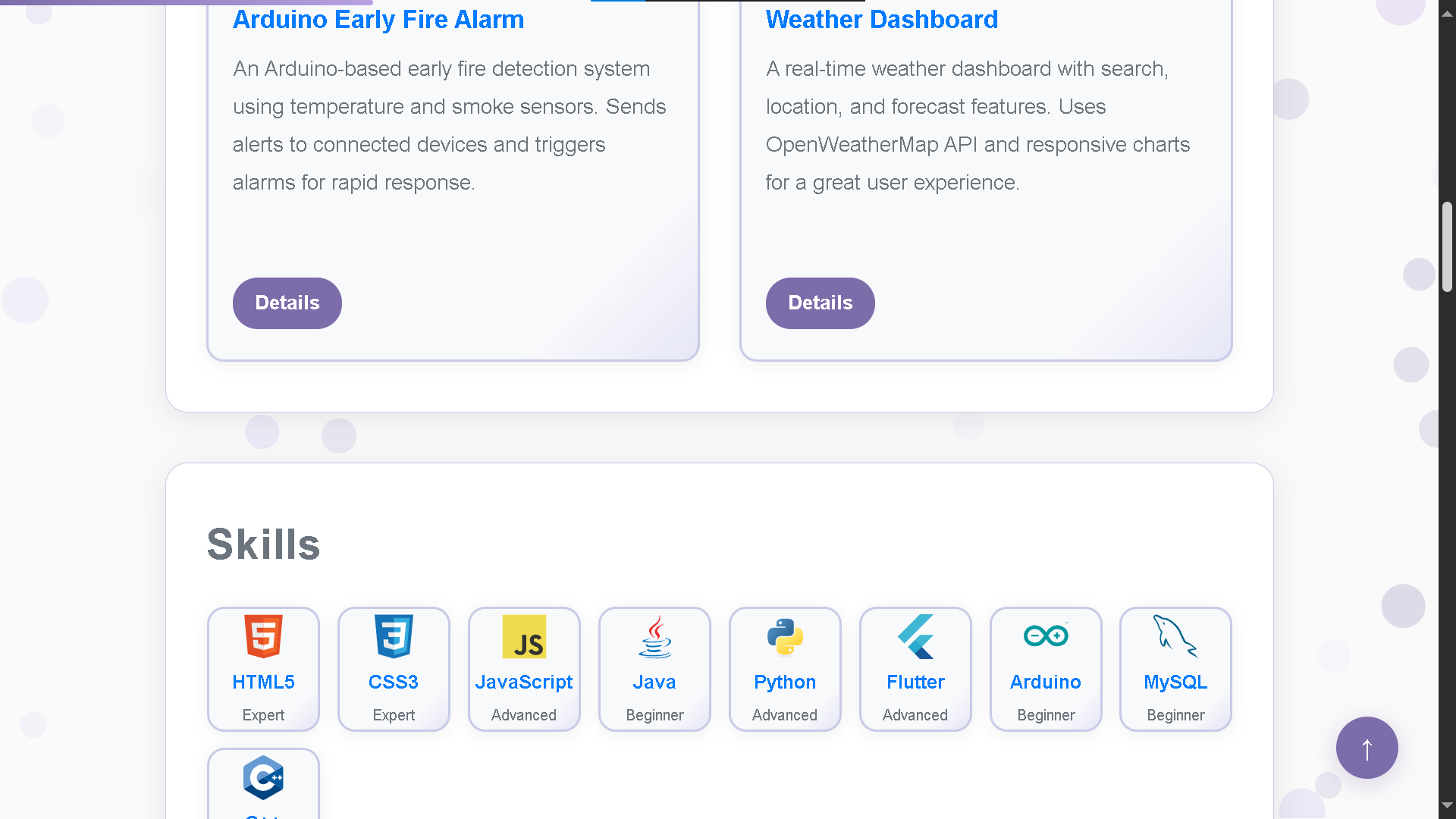
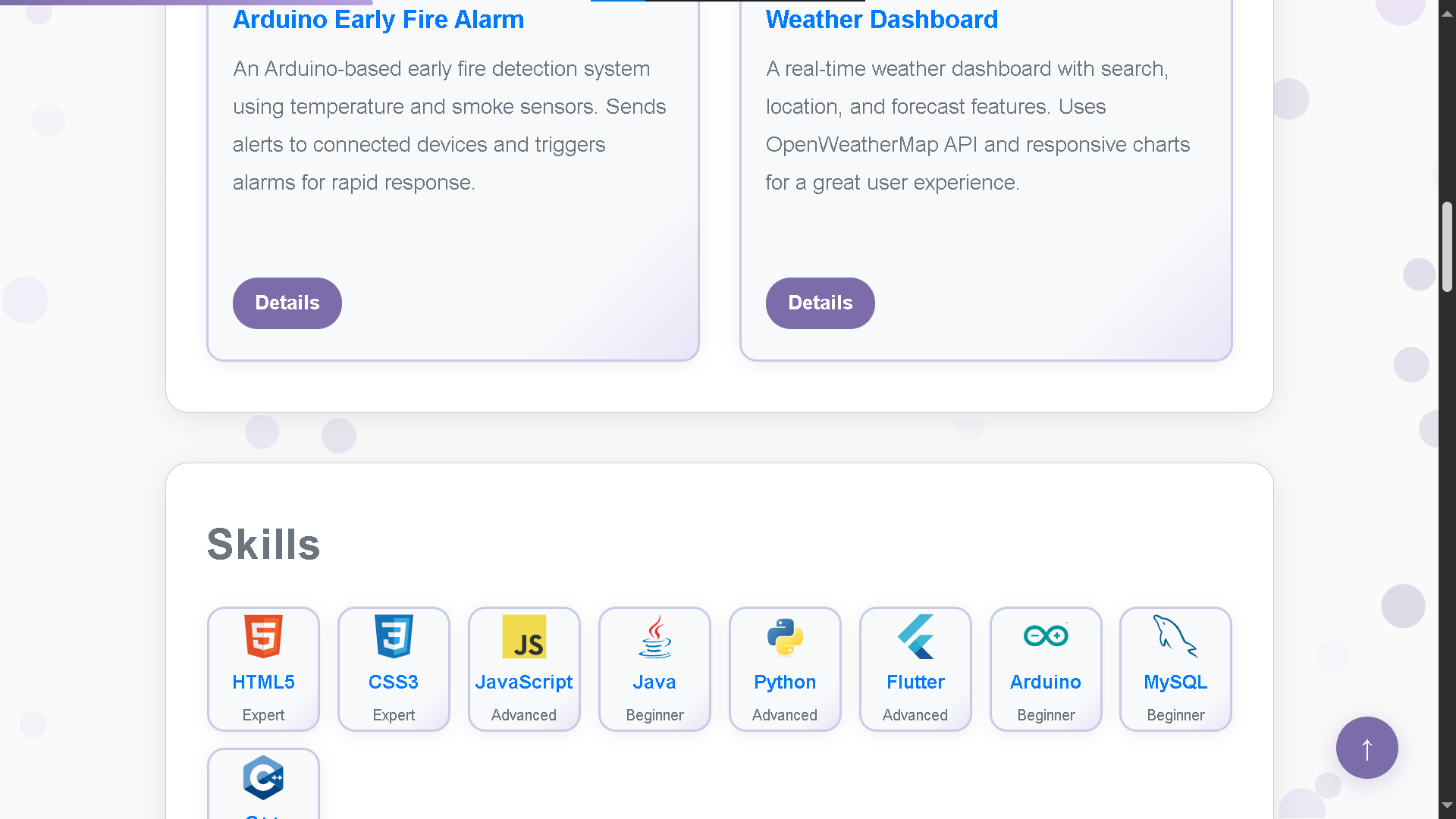
Tech Stack: I chose HTML, CSS, and JavaScript for full control and learning. I used Google Fonts for typography, Font Awesome for icons, and wrote custom CSS for dark mode and animations. Every section, from the animated name to the project cards, was hand-coded for flexibility.
Challenges: The biggest challenge was balancing features with performance. Animations and images can slow things down, so I optimized images, minified code, and used lazy loading where possible. Debugging responsive layouts for all devices took patience and lots of testing.
Lessons Learned:
- Accessibility matters use semantic HTML, alt text, and good color contrast.
- Iterate often. My first design was very different from the final result.
- Performance is as important as looks. Optimize everything.
- Don't be afraid to experiment and break things. That's how you learn.
Tips for your own portfolio:
- Start simple. Focus on content and structure before fancy effects.
- Showcase your best work, but also your personality and story.
- Test on different devices and browsers.
- Keep learning your portfolio should evolve as you do.
Building this site was a rewarding challenge. If you're thinking about making your own, go for it! You'll learn a ton and have something to be proud of.